
Android 自带语音识别功能在Android 1.5 SDK中已经加强了语音识别功能,第三方通过Intent就可以简单的使用
Android 自带语音识别功能
在Android 1.5 SDK中已经加强了语音识别功能,第三方通过Intent就可以简单的使用这个功能!下面做简要说明!
先看页面布局:
<?xml version="1.0" encoding="utf-8"?><LinearLayout xmlns:android="http://schemas.android.com/apk/res/android" android:layout_width="fill_parent" android:layout_height="fill_parent" android:orientation="vertical" android:padding="5dip"> <Button android:id="@+id/button1" android:layout_width="fill_parent" android:layout_height="wrap_content" android:text="语音识别" /> <ListView android:id="@+id/listView1" android:layout_width="fill_parent" android:layout_height="fill_parent" android:background="#00000000"> </ListView></LinearLayout>
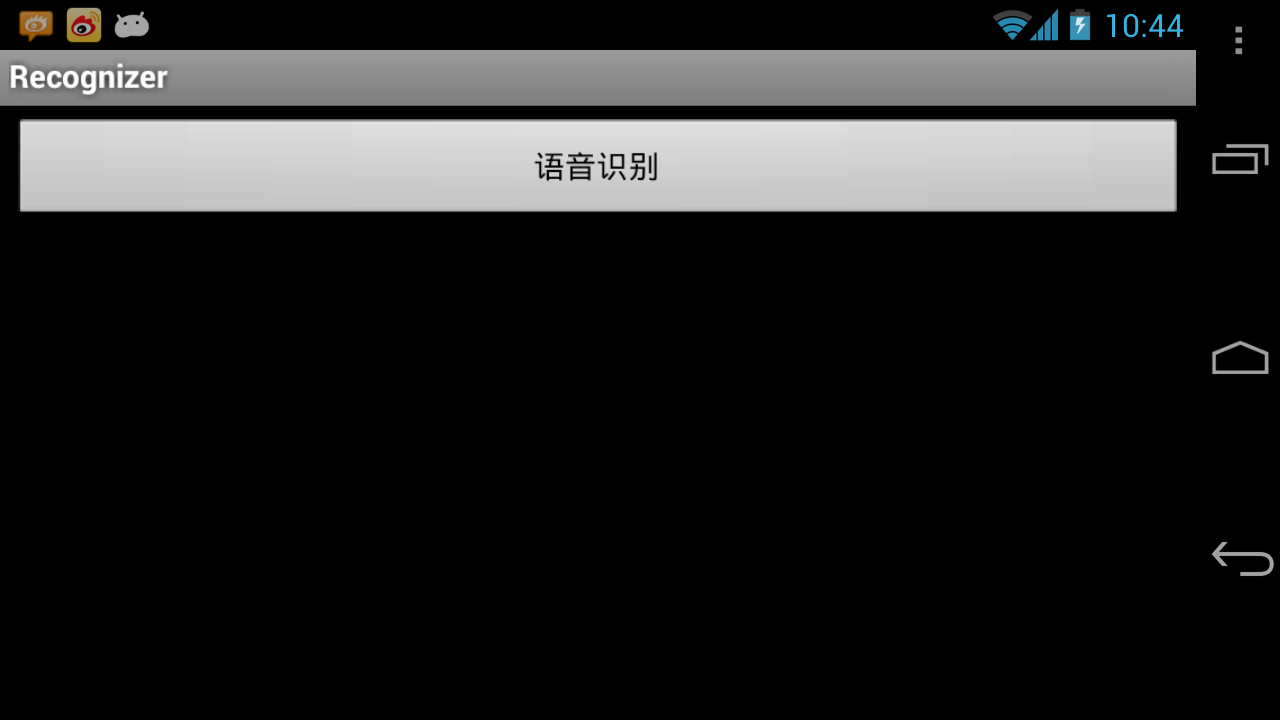
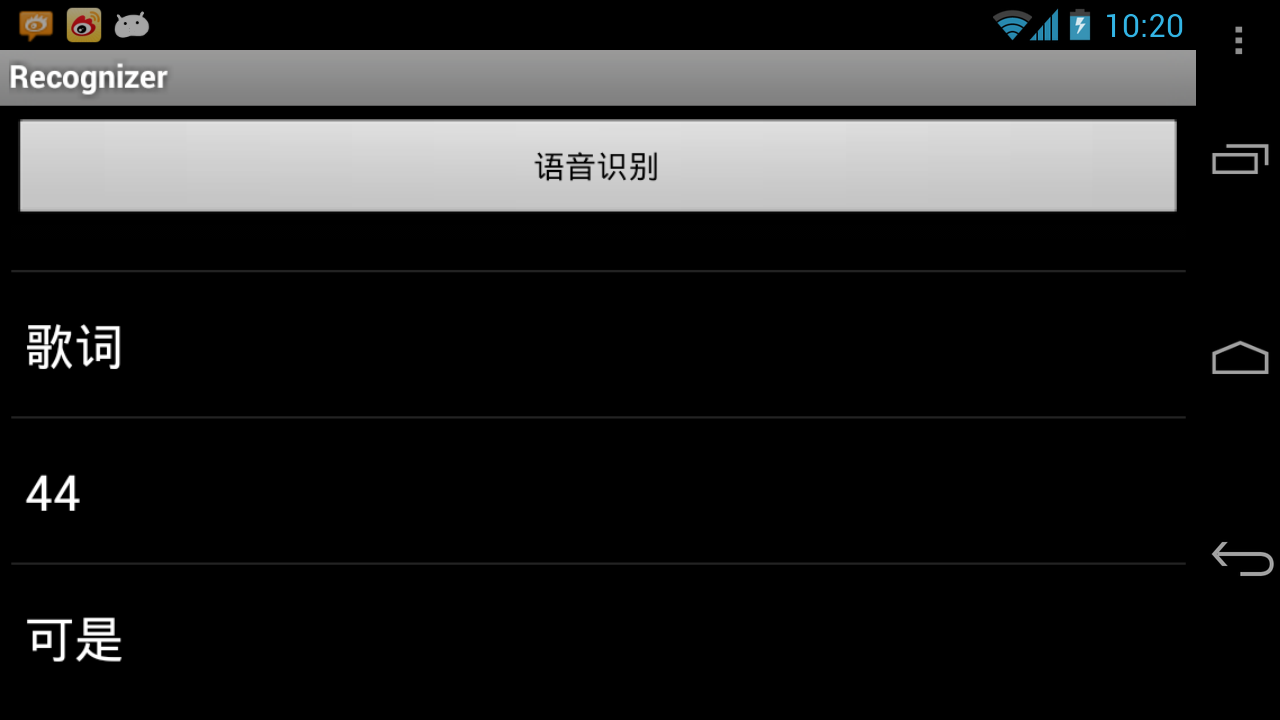
说明:LinearLayout里面垂直放置了Button和ListView,通过Button的点击事件触发语音识别,然后把结果设置到ListView中。
?
Activity中的代码如下:
import java.util.ArrayList;import android.app.Activity;import android.content.Intent;import android.os.Bundle;import android.speech.RecognizerIntent;import android.view.View;import android.view.View.OnClickListener;import android.widget.AdapterView;import android.widget.ArrayAdapter;import android.widget.Button;import android.widget.ListView;import android.widget.Toast;import android.widget.AdapterView.OnItemClickListener;public class RecognizerActivity extends Activity implements OnClickListener, OnItemClickListener { private static final int VOICE_RECOGNITION_REQUEST_CODE = 131422;private ListView mListView; @Override public void onCreate(Bundle savedInstanceState) { super.onCreate(savedInstanceState); setContentView(R.layout.main); mListView = (ListView) findViewById(R.id.listView1); mListView.setOnItemClickListener(this); ((Button) findViewById(R.id.button1)).setOnClickListener(this); }@Overridepublic void onClick(View v) {mListView.setAdapter(null);try {Intent intent = new Intent(RecognizerIntent.ACTION_RECOGNIZE_SPEECH);intent.putExtra(RecognizerIntent.EXTRA_LANGUAGE_MODEL, RecognizerIntent.LANGUAGE_MODEL_FREE_FORM);intent.putExtra(RecognizerIntent.EXTRA_PROMPT, "开始语音识别");startActivityForResult(intent, VOICE_RECOGNITION_REQUEST_CODE);} catch (Exception e) {e.printStackTrace();Toast.makeText(this, "不能语音识别", Toast.LENGTH_SHORT).show();}}@Overrideprotected void onActivityResult(int requestCode, int resultCode, Intent data) {if (requestCode == VOICE_RECOGNITION_REQUEST_CODE && data != null) {ArrayList<String> results = data.getStringArrayListExtra(RecognizerIntent.EXTRA_RESULTS);if (results != null) {mListView.setAdapter(new ArrayAdapter<String>(this, android.R.layout.simple_list_item_1, results));Toast.makeText(this, results.toString(), Toast.LENGTH_SHORT).show();super.onActivityResult(requestCode, resultCode, data);}}}@Overridepublic void onItemClick(AdapterView<?> parent, View view, int position,long id) {Toast.makeText(this, parent.getAdapter().getItem(position).toString(), Toast.LENGTH_SHORT).show();}}?
说明:
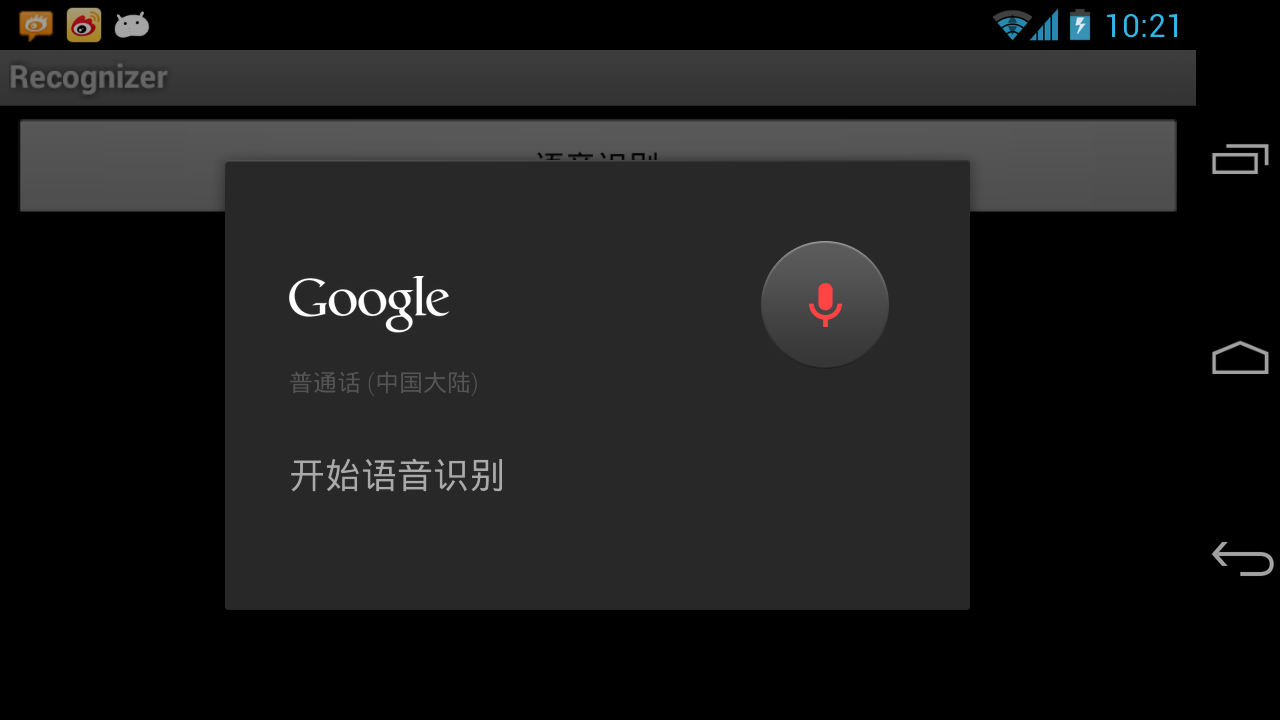
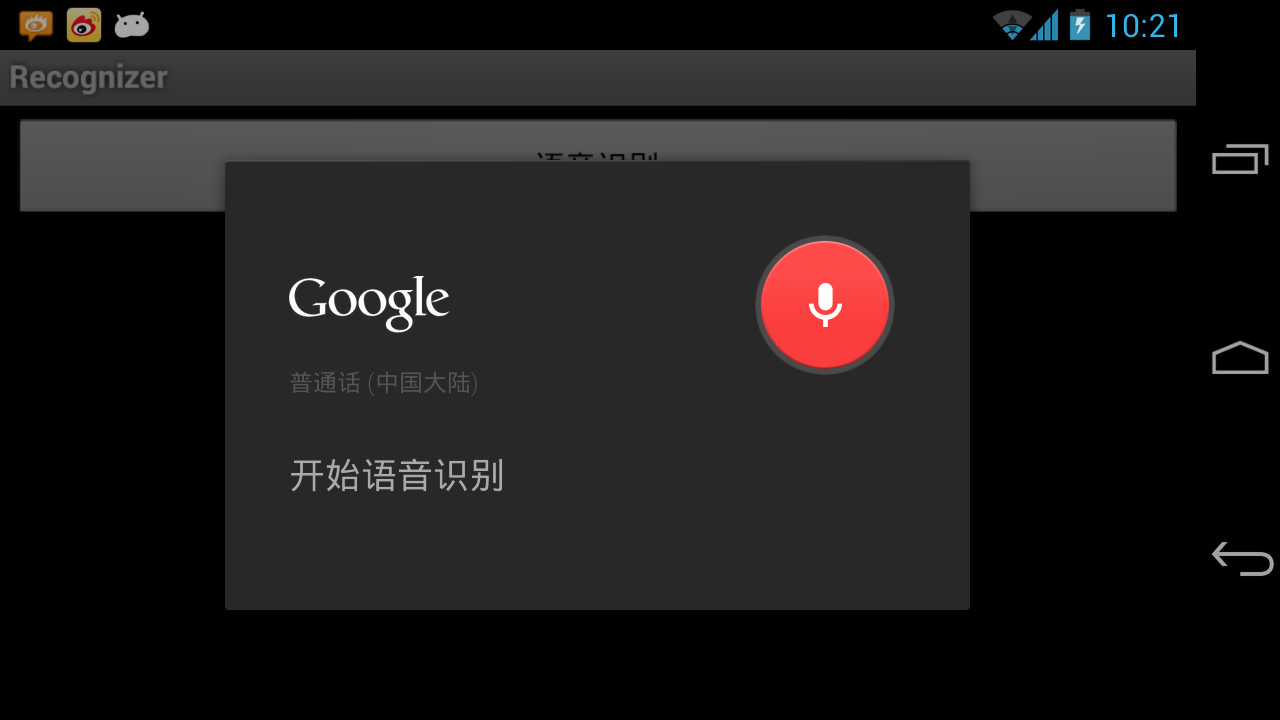
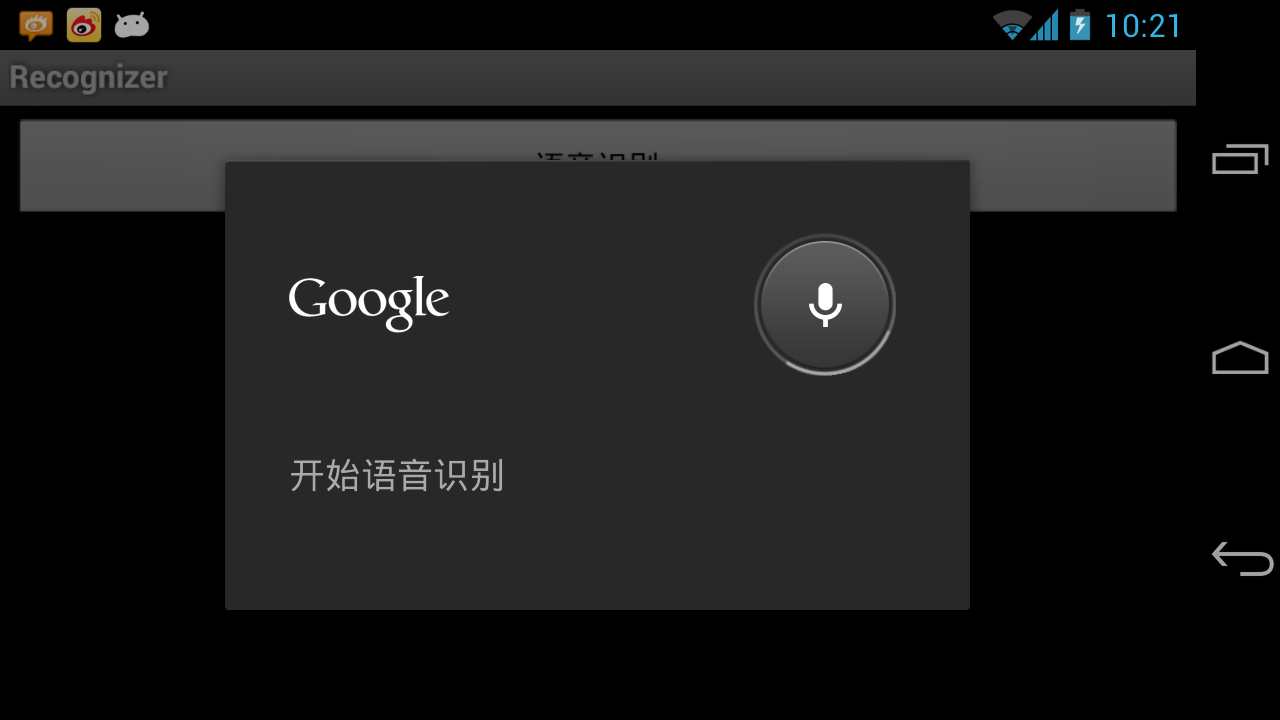
onCreate:获得相关View的引用,并设置对应的事件处理;onClick:清空ListView数据,并启动语音识别,如果系统没有Activity处理请求的Intent,以Toast形式提示;onActivityResult:获得语音识别后的结果并做相关处理;onItemClick:ListView中数据项点击事件处理------显示;运行效果如图:
?
?
?
?
?
多说一句:当然还有其它方法实现语音识别,但此方法比较简单!:)
?
?