
Web Services Axis实现1、下载 apache axis:http://apache.etoak.com/ws/axis/1_4/2、搭建环境:新建一个Web
Web Services Axis实现
1、下载 apache axis:
http://apache.etoak.com/ws/axis/1_4/
2、搭建环境:
新建一个Web项目TestWebServices
把axis-1_4\lib下的所有jar包copy到TestWebServices项目的lib项目下。
把axis-1_4\webapps\axis\WEB-INF下的Web.xml文件复制替换TestWebServices项目的Web.xml文件。
发布工程到TOMCAT里
访问
http://localhost:8080/TestWebServices/services或者
http://localhost:8080//servlet/AxisServlet
只要能出现下图 所示
[img]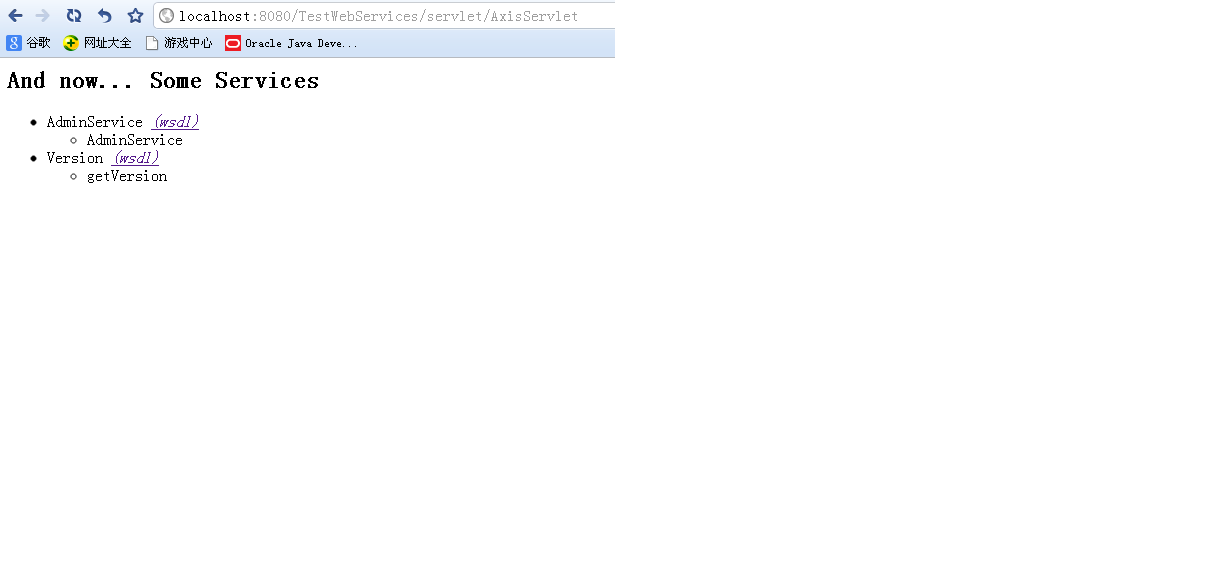
[/img]
说明第一步环境搭建成功,接下来进行Web Services的核心配置。
3、用deploy.wsdd生成server-config.wsdd:
在TestWebServices项目的WEB-INF目录下编写deploy.wsdd文件
文件模板如下:
<deployment xmlns="http://xml.apache.org/axis/wsdd/" xmlns:java= "http://xml.apache.org/axis/wsdd/providers/java"> <service name="AxisDemo" provider="java:RPC"> <parameter name="className" value="com.server.AxisDemo"/> <parameter name="allowedMethods" value="*"/> <parameter name="scope" value="session"/><!-- request, session, or application --> </service> </deployment>
根据模板中定义Class,建立一个AxisDemo的类放在包com.server下
AxisDemo类java代码如下:
package com.common;public class AxisDemo { public String getInfo(String aa){ return "webservice:"+aa; } }用cmd进入TestWebServices项目的WEB-INF目录下Copy下面的代码到cmd窗口 回车执行
java -Djava.ext.dirs=lib org.apache.axis.client.AdminClient -lhttp://127.0.0.1:8080/TestWebServices/servlet/AxisServlet deploy.wsdd
提示如下图表示成功:
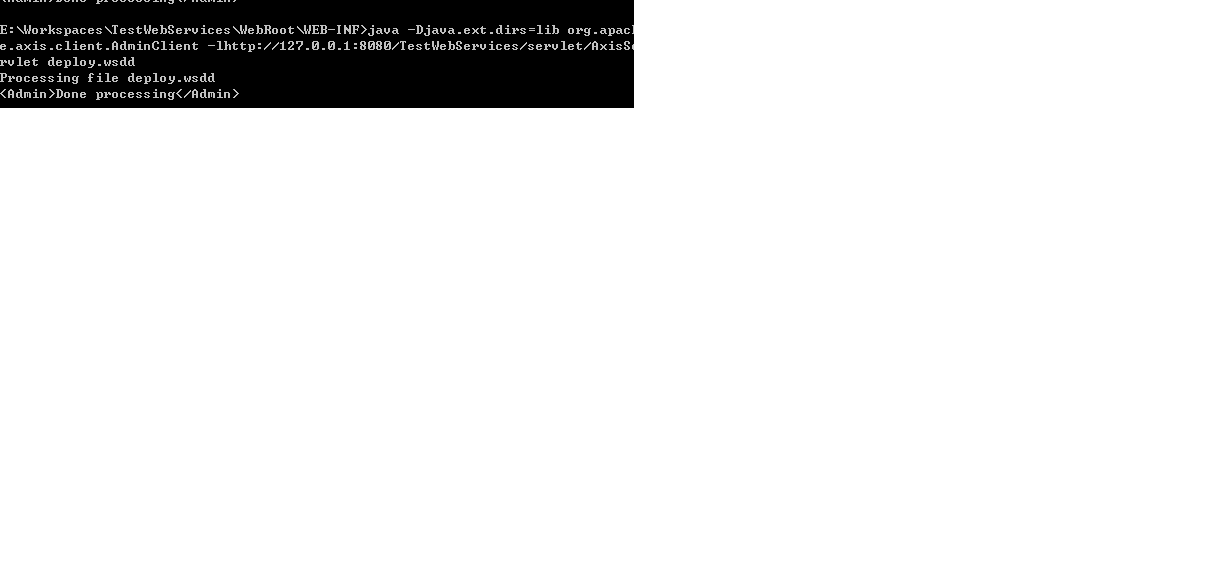
进入TomCat的TestWebServices\WEB-INF目录下可以看到server-config.wsdd已经生成。它是提供给Axis使用的配置文件。 如果没有生成请重复1,2,3
这时在访问http://localhost:8080/TestWebServices/services
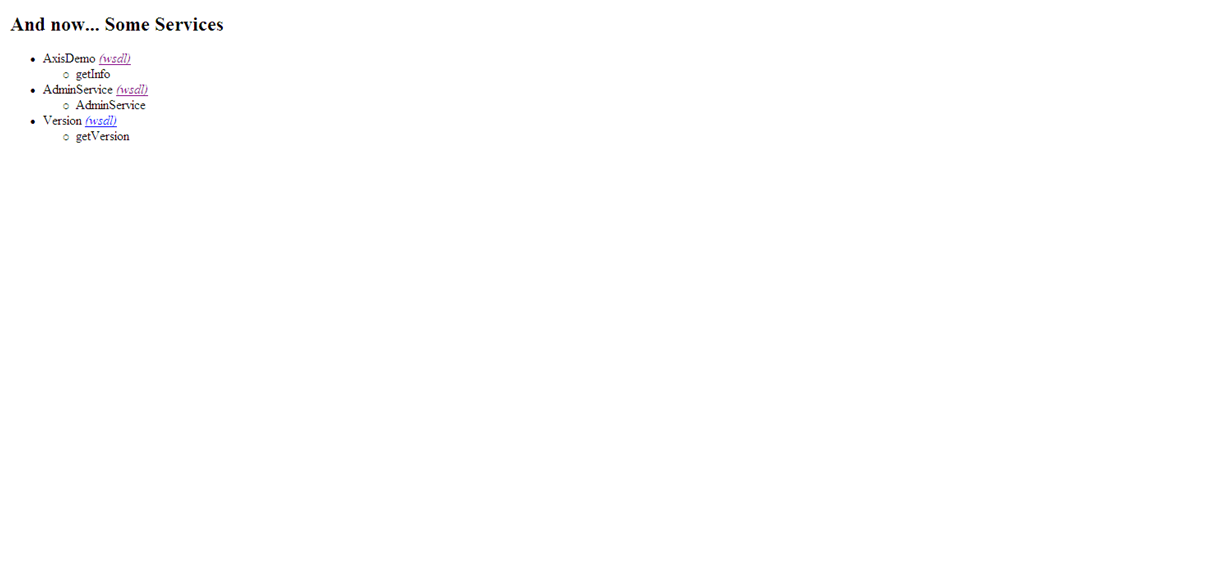
会发现多了一个AxisDemo(wsdl) 尝试进行访问:
http://localhost:8080/TestWebServices/services/AxisDemo?wsdl.
4、编写客户端调用代码测试web services
package com.client;import java.net.MalformedURLException;import java.rmi.RemoteException;import javax.xml.rpc.ServiceException;import org.apache.axis.client.Call;import org.apache.axis.client.Service;public class TestClient {public static void main(String[] arg) throws MalformedURLException,ServiceException, RemoteException {String targetEndPoint = "http://127.0.0.1:8080/TestWebServices/services/AxisDemo";Service service = new Service();Call call = (Call) service.createCall();call.setTargetEndpointAddress(new java.net.URL(targetEndPoint));call.setOperationName("getInfo");String result = (String) call.invoke(new Object[] { new String("zhangsan@126.cn") });System.out.println("result=" + result);}}运行看到控制台输出:result=webservice:zhangsan@126.cn
成功。