Android 抽屉类SlidingDrawer的使用SlidingDrawer类使用的时候主要包括两点:1:handle:单击的按钮2:content
Android 抽屉类SlidingDrawer的使用
SlidingDrawer类使用的时候主要包括两点:
1:handle:单击的按钮
2:content:抽屉中的内容,单击按钮时,抽屉的内容隐藏或显示
<?xml version="1.0" encoding="utf-8"?><LinearLayout xmlns:android="http://schemas.android.com/apk/res/android" android:orientation="vertical" android:layout_width="fill_parent" android:layout_height="fill_parent" android:background="#808080" ><SlidingDrawer android:id="@+id/slidingdrawer" android:layout_width="fill_parent" android:layout_height="fill_parent" android:orientation="vertical" android:handle="@+id/handle" android:content="@+id/content"> <Button android:id="@+id/handle" android:layout_width="88dip" android:layout_height="44dip" android:background="@drawable/handle" /> <LinearLayout android:id="@+id/content" android:layout_width="fill_parent" android:layout_height="fill_parent" android:background="@drawable/bg1"> <GridView android:id="@+id/all_apps" android:persistentDrawingCache="animation|scrolling" android:layout_centerHorizontal="true"android:alwaysDrawnWithCache="true" android:scrollbars="none"android:drawSelectorOnTop="false" android:listSelector="@drawable/selector_bg"android:numColumns="auto_fit" android:columnWidth="78px"android:stretchMode="spacingWidth" android:layout_weight="1.0"android:layout_height="wrap_content" android:layout_width="fill_parent"android:paddingLeft="20px" android:paddingRight="20px"android:visibility="visible"></GridView> </LinearLayout> </SlidingDrawer> </LinearLayout>
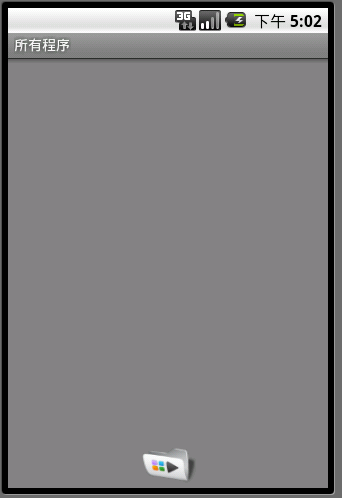
效果图: