
MFC树形控件和静态切分视图结合程序源文件下载链接最后界面1、创建单文档exe,支持切分窗口。2、新建对话框资
MFC树形控件和静态切分视图结合程序
源文件下载链接
最后界面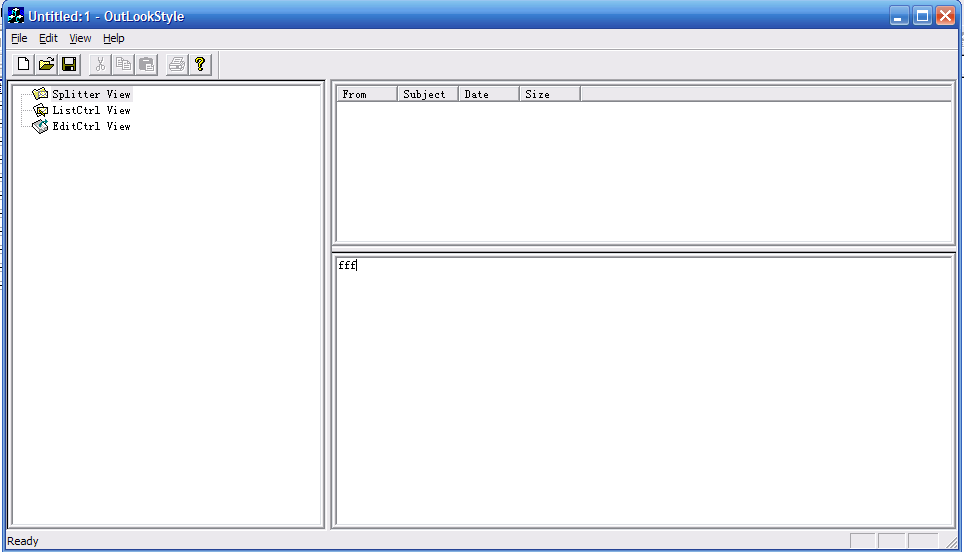
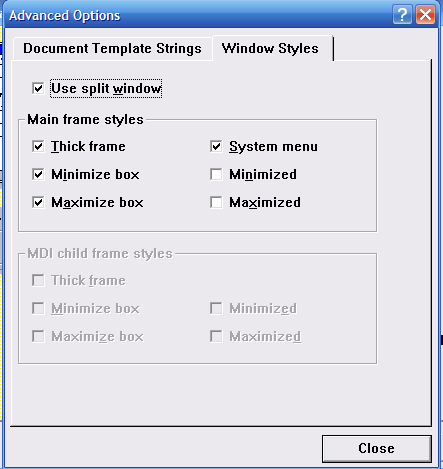
1、创建单文档exe,支持切分窗口。
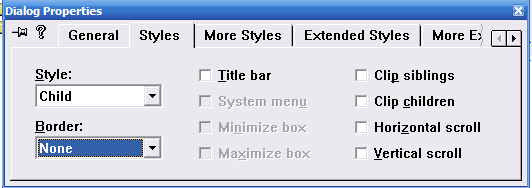
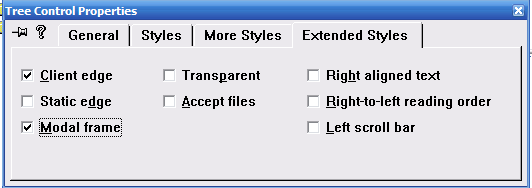
ID为IDD_TREEVIEW,Style=CHILD,BORDER=NONE,
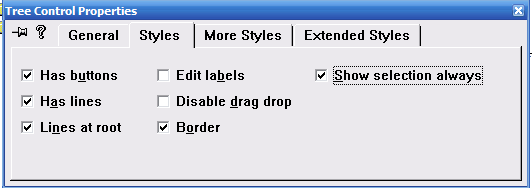
删掉按钮OK和CANCEL,添加Tree控件IDC_TREE,占满整个对话框
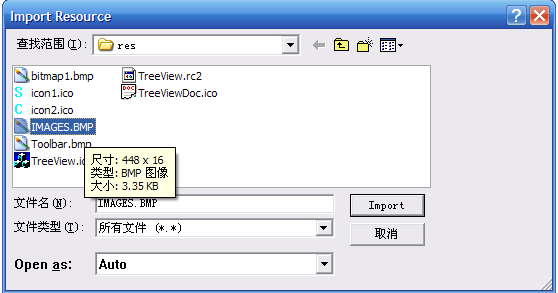
导入位图资源,ID为IDB_BITMAP
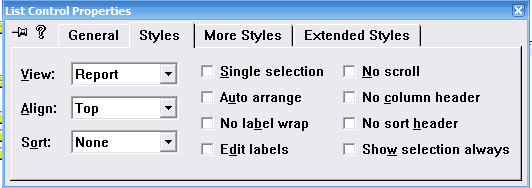
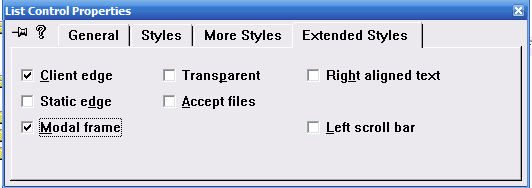
新建列表对话框IDD_LISTCTRLVIEW,Style=CHILD,BORDER=NONE,
添加LISTCONTROL控件IDC_LIST,占满蓝色边框,
和编辑视图的对话框资源IDD_EDITVIEW,Style=CHILD,BORDER=NONE,删掉上面的按钮。
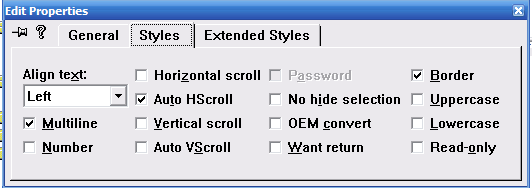
添加EditBox控件IDC_EDIT,占满蓝色边界线
建立2 个View 的类,这里我们让这2个View 的类继承于FormView,
CListControlView 继承于FormView 关联对话框 IDD_LISTVIEW,为了后面可以new 将构造函数改为publlic属性(默认为protected)
为对话框添加OnSize消息,使列表框与对话框等大

为对话框添加OnSize消息,使编辑框与对话框等大
为对话框添加OnSize消息,使树控件与对话框等大
添加成员变量

BOOL CMainFrame::OnCreateClient(LPCREATESTRUCT lpcs, CCreateContext* pContext)  { // TODO: Add your specialized code here and/or call the base class if (!m_wndSplitter.CreateStatic(this, 1, 2)) { TRACE0("Failed to create splitter window\n"); return FALSE; }  // Get the client rect first for calc left pane size CRect rect; GetClientRect(&rect);  // create the left tree view first. if (!m_wndSplitter.CreateView(0, 0, RUNTIME_CLASS(CLeftPaneView), CSize(rect.Width()/3, 0), pContext)) { TRACE0("Failed to create left pane view\n"); return FALSE; }  // The right pane is a frame which and contain several different views. // The is can be set to active or non-active if (!m_wndSplitter.CreateView(0, 1, RUNTIME_CLASS(CRightPaneFrame), CSize(0, 0), pContext)) { TRACE0("Failed to create right pane frame\n"); return FALSE; }  CLeftPaneView* pLeftPaneView     = (CLeftPaneView*)   m_wndSplitter.GetPane(0,0); pLeftPaneView->m_pRightPaneFrame = (CRightPaneFrame*) m_wndSplitter.GetPane(0,1);  // Set the left pane as the active view SetActiveView((CView*) m_wndSplitter.GetPane(0, 0));  return TRUE; }